IPTV Installation Made Simple — Stream on Any Device in Minutes
Most people think IPTV installation is complicated. It’s not. What actually confuses users is bad setup guides, outdated tutorials, and IPTV providers that disappear the moment you ask for help. One wrong app. One incorrect setting. One missing URL. And suddenly people think IPTV “doesn’t work.” In reality, installing IPTV is usually a 10–15 minute process when the setup is done properly.
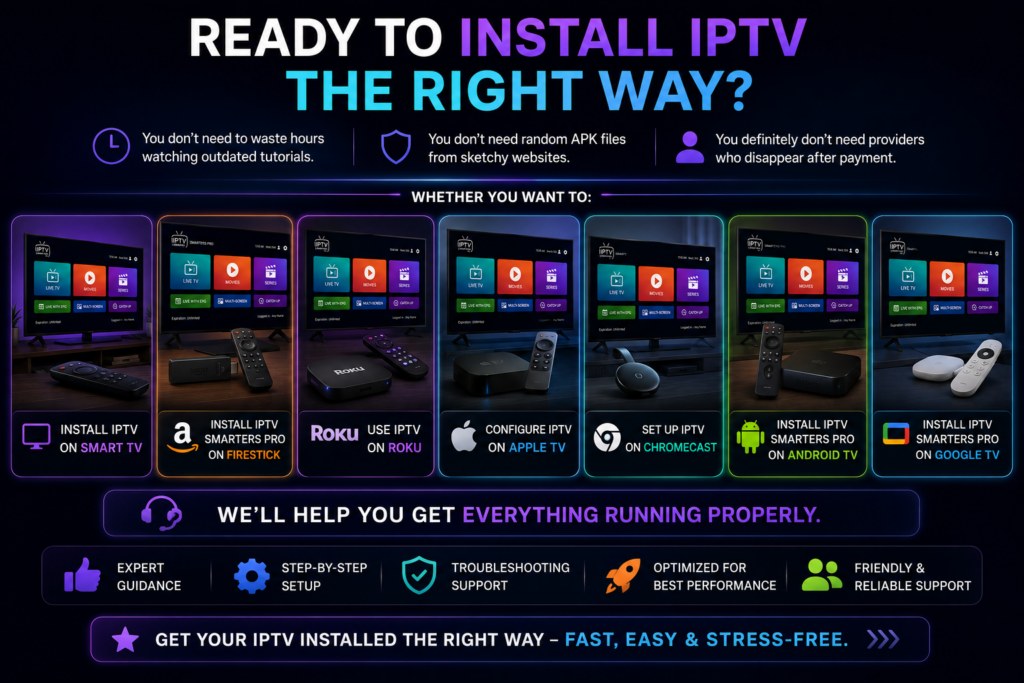
Whether you want to:
- install IPTV on Firestick
- set up IPTV on a Samsung Smart TV
- use IPTV on Roku
- configure IPTV Smarters Pro on Android TV
- install IPTV on Apple TV or Chromecast
This guide walks you through it clearly. No confusing jargon, No fake “one-click” promises; No outdated screenshots from 2019. Get step-by-step IPTV installation support for Firestick, Smart TVs, Roku, Apple TV, Android TV, Kodi, and more. Choosing the right IPTV services is important because even the best installation setup won’t perform well with unstable streaming.
Why Most IPTV Installations Fail
If you’ve ever searched “install IPTV” online, you’ve probably seen hundreds of tutorials. Most of them skip the part that actually matters.
They tell users:
- “Download this app”
- “Enter your playlist”
- “Done”
But what happens in real life is different.
The Real Problems Users Face
- Apps suddenly disappear from app stores
- Smart TVs block third-party installations
- Firestick security settings confuse beginners
- IPTV Smarters login details are entered incorrectly
- Kodi add-ons stop working
- Roku has stricter IPTV limitations
- Providers give incomplete setup instructions
And honestly, this is why so many people give up halfway through IPTV installation. Not because IPTV is difficult. Because most setup guides are written by people who never actually help real users. We do. That changes everything.
The Easiest Way to Install IPTV Properly
A smooth IPTV setup usually depends on three things:
- Choosing the correct app
- Using the right login format
- Installing IPTV on a compatible device
That’s it. Once those three parts are handled correctly, IPTV becomes extremely simple.
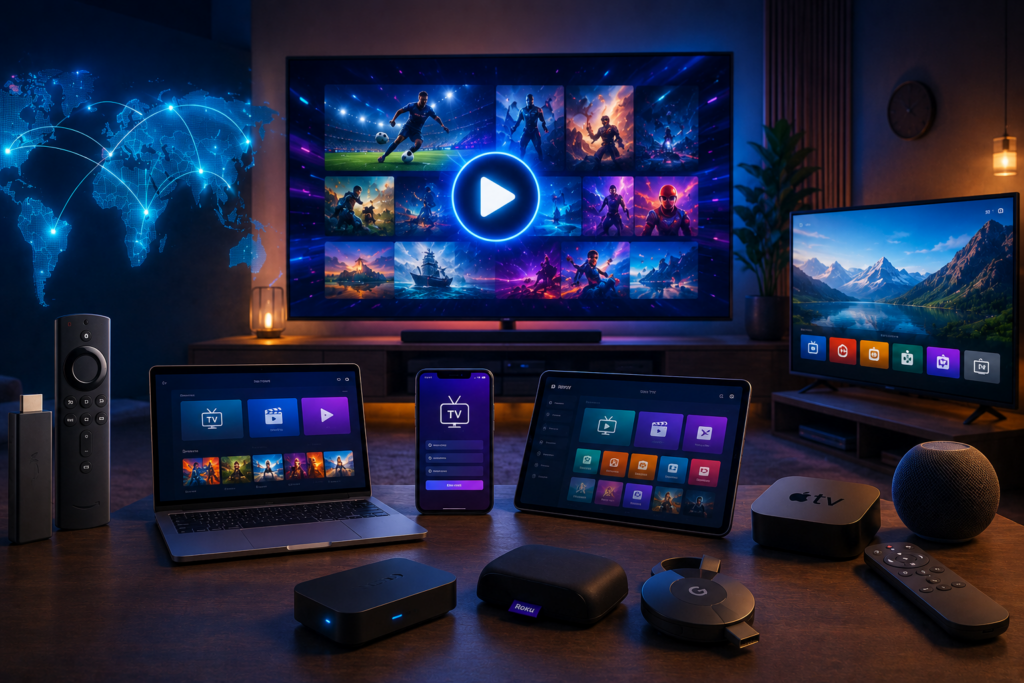
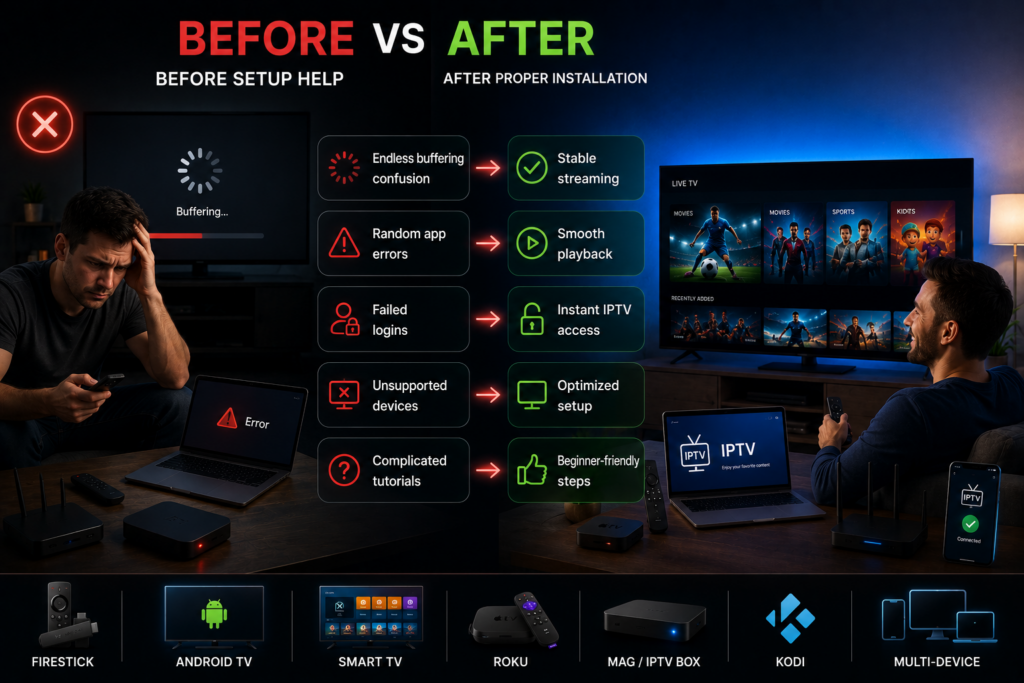
Before vs After Proper IPTV Setup
| Before Setup Help | After Proper Installation |
| Endless buffering confusion | Stable streaming |
| Random app errors | Smooth playback |
| Failed logins | Instant IPTV access |
| Unsupported devices | Optimized setup |
| Complicated tutorials | Beginner-friendly steps |
How to Install IPTV on Smart TV
The exact process depends on your TV brand. Some Smart TVs support IPTV apps directly. Others require manual installation.
Samsung Smart TV IPTV Installation
Many users ask:
- Can I install IPTV Smarters on Samsung Smart TV?
- How to install IPTV on Smart TV?
- Installer IPTV sur TV Samsung?
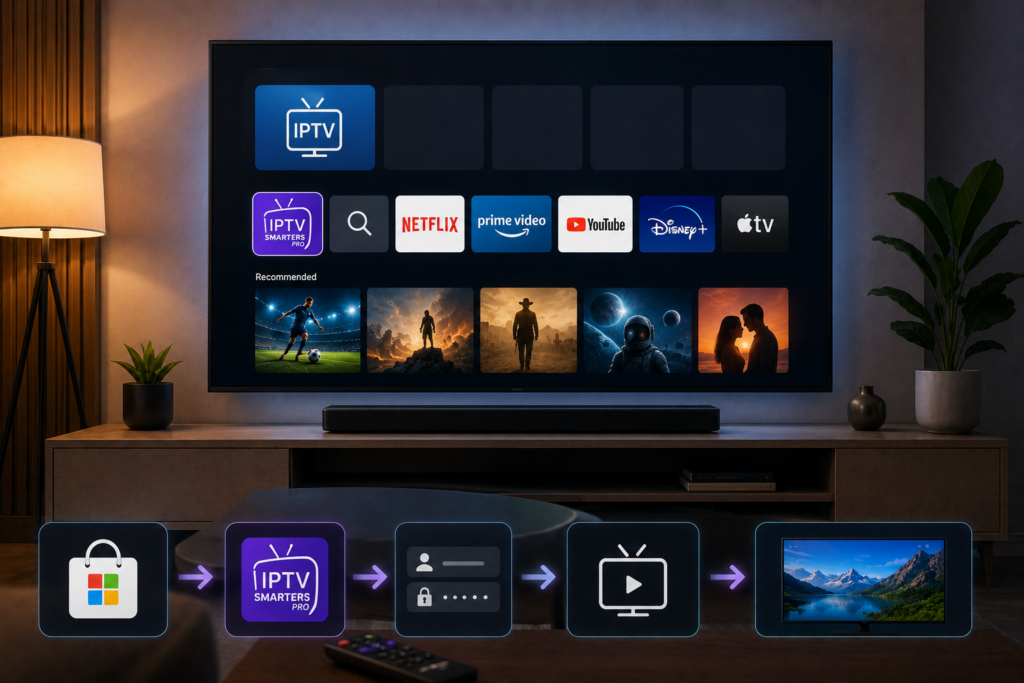
The answer is yes. In most cases, users simply install IPTV Smarters Pro directly from the Samsung app store. Then:
- Open IPTV Smarters Pro
- Enter Xtream Codes or M3U details
- Start streaming
What actually matters is using the correct login credentials. Most installation problems happen because users enter the server URL incorrectly. Not because the app is broken.
We recommend using IPTV Smarters Pro for a smoother setup experience across Firestick, Android TV, and Smart TVs.
How to Install IPTV Smarters Pro on Firestick
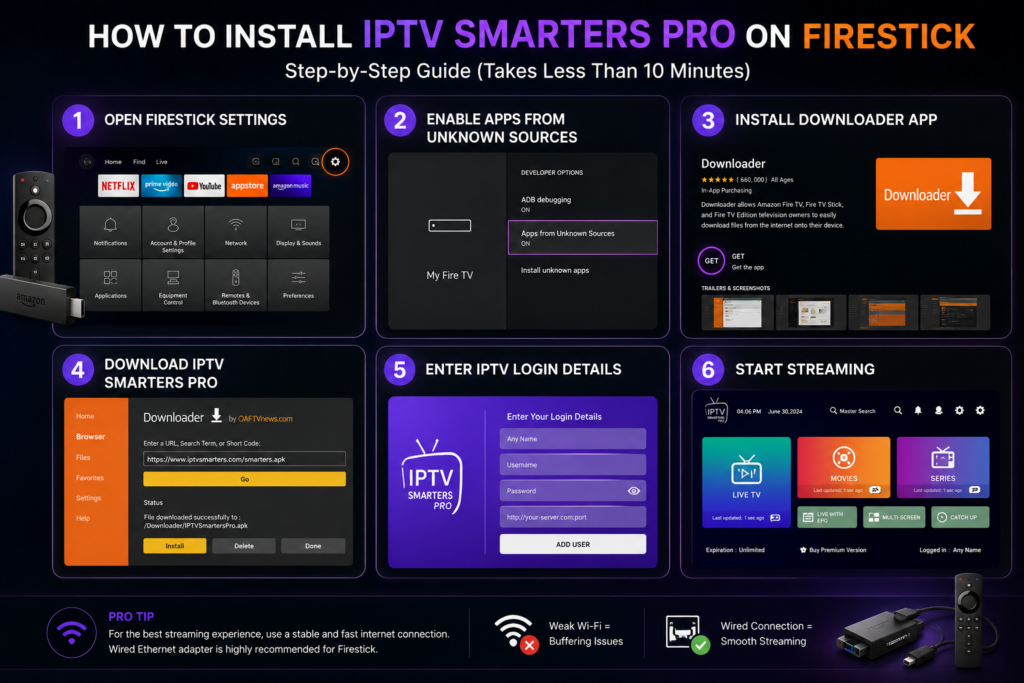
Firestick remains one of the best devices for IPTV streaming. It’s affordable, fast, and flexible. The setup process usually takes under 10 minutes.
Basic Firestick IPTV Installation Steps
- Open Firestick Settings
- Enable Apps from Unknown Sources
- Install Downloader App
- Download IPTV Smarters Pro
- Enter IPTV login details
- Start streaming
This process is often searched as:
- install IPTV Firestick
- installer IPTV sur Fire Stick
- installation IPTV Smarters Pro
- install IPTV Smarters Pro
One thing many tutorials don’t mention:
A weak internet connection creates more issues than the installation itself. If streams buffer constantly after setup, the issue is often Wi-Fi stability — not IPTV. That’s why wired Ethernet adapters usually improve Firestick IPTV performance significantly.
Once your setup is complete, you can choose the right IPTV subscription plan for your device and streaming needs.
How to Install IPTV Smarters Pro on TV
Many users specifically search:
- how to install IPTV Smarters Pro on TV
- how to install IPTV Smarters on TV
The answer depends on the operating system.
Android TV & Google TV
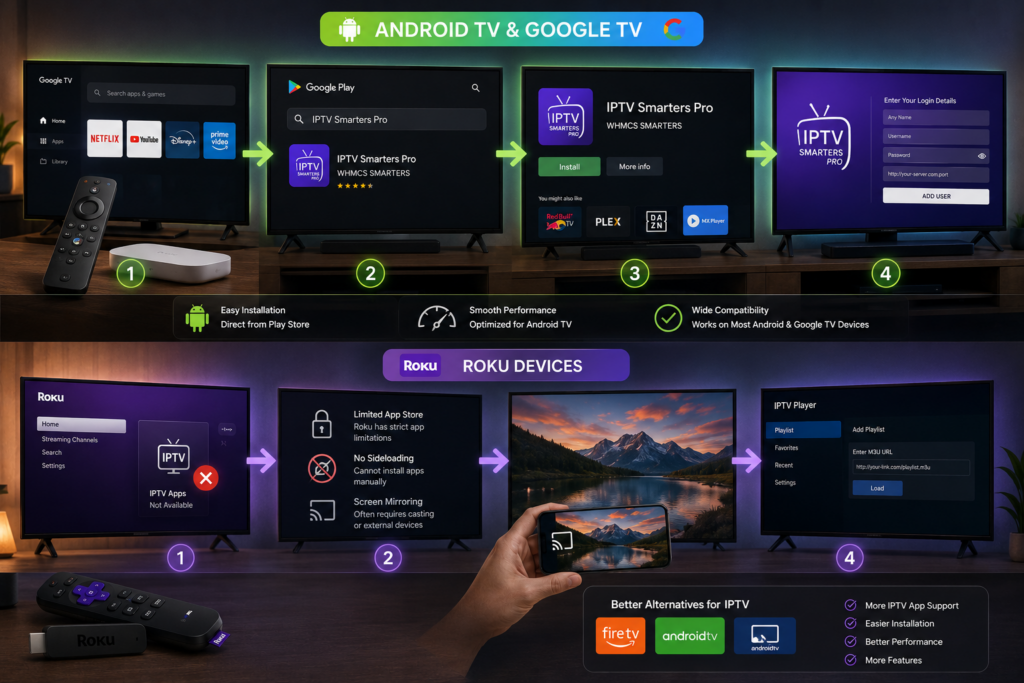
If your TV runs Android TV or Google TV, setup is straightforward.
Install IPTV Smarters Pro on Android TV
- Open Google Play Store
- Search IPTV Smarters Pro
- Install the app
- Add IPTV login credentials
- Start watching
Install IPTV Smarters Pro on Google TV
The process is almost identical. Google TV devices support IPTV apps very well because they run Android-based systems. This creates smoother compatibility compared to some locked Smart TV ecosystems.
Can You Install IPTV on Roku?
This is where many users get confused. Technically yes. But Roku works differently compared to Firestick or Android TV. Roku has stricter app limitations.
That means:
- fewer IPTV apps are supported
- sideloading is limited
- setup can require screen mirroring
Can I install IPTV on Roku Stick?
Yes, but the process often involves:
- screen casting
- M3U-compatible apps
- external device integration
If you want the easiest IPTV experience, Firestick or Android TV is usually the better option. That’s the honest answer most websites avoid giving.
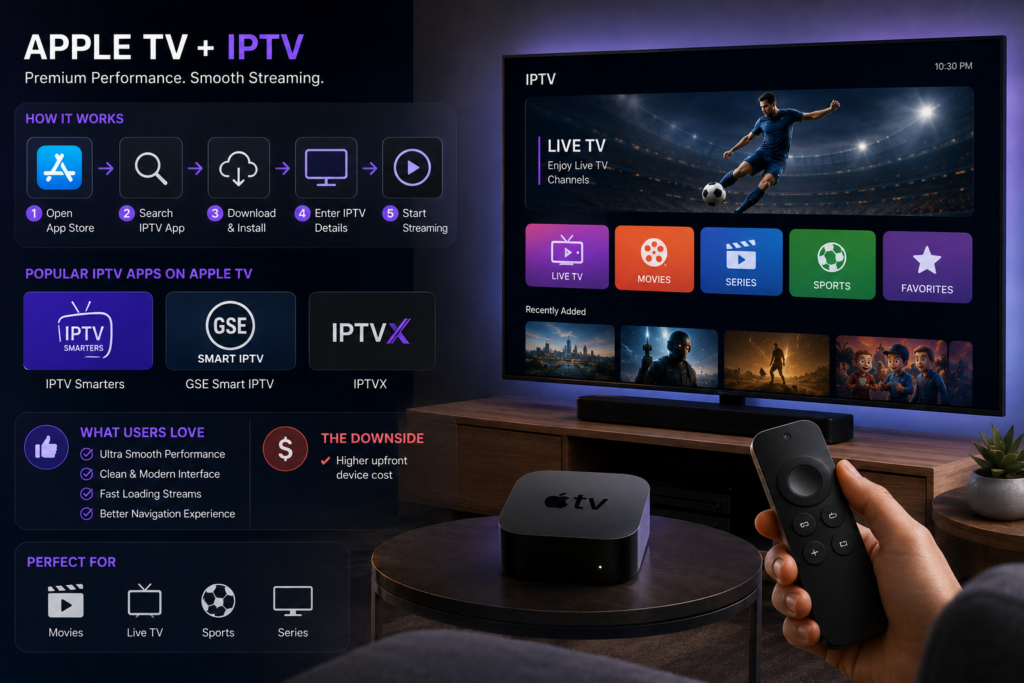
Can You Install IPTV on Apple TV?
Yes. Apple TV supports IPTV very well through compatible applications. Popular IPTV apps on Apple TV include:
- IPTV Smarters
- GSE Smart IPTV
- IPTVX
What users usually like most about Apple TV IPTV installation is performance. The interface feels smooth. Streams load quickly. Navigation is cleaner compared to cheaper devices. The downside? Apple TV hardware costs more upfront.
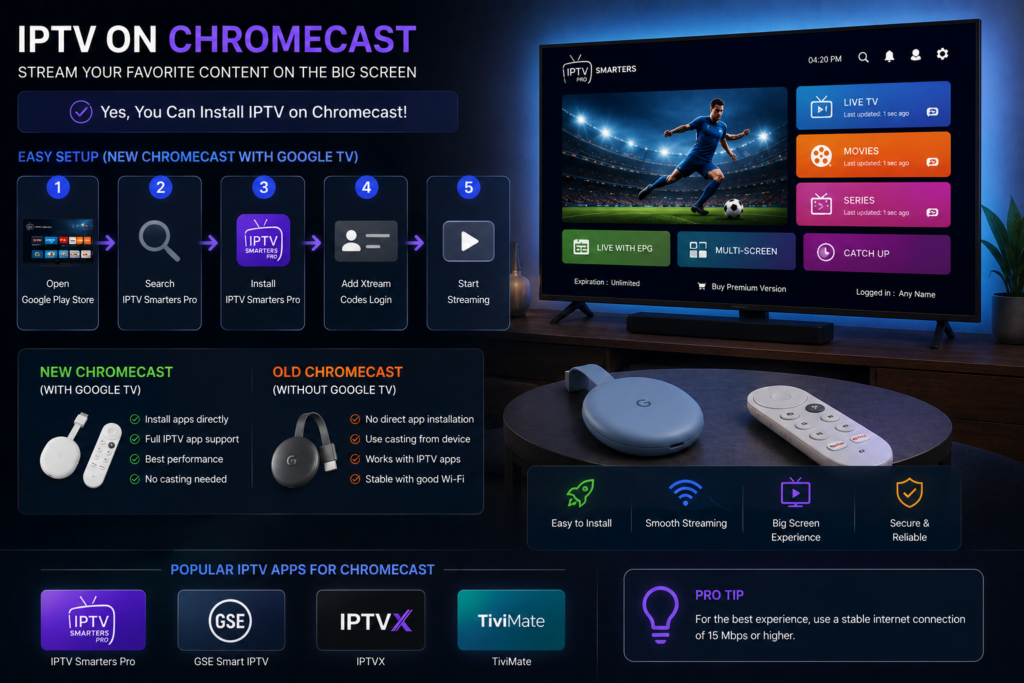
Can You Install IPTV on Chromecast?
Yes. Especially newer Chromecast devices with Google TV. Older Chromecast versions often rely on casting from another device. Newer versions allow direct app installations.
This is why many users search:
- installer IPTV sur Chromecast
- install IPTV on Chromecast
The easiest method is usually:
- Stream directly
- Install IPTV Smarters Pro
- Add Xtream Codes login.
IPTV Kodi Installation — What You Should Know
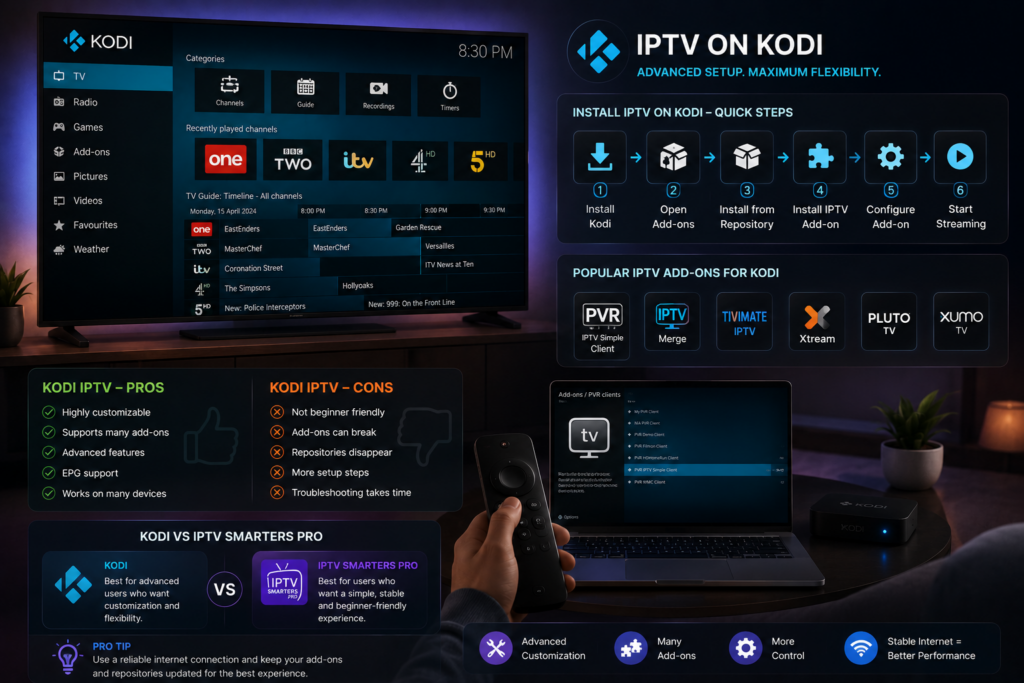
Kodi remains popular for advanced IPTV users. But honestly? Kodi IPTV installation is not ideal for beginners.
Install IPTV Kodi Setup
Many users search:
- install IPTV Kodi
- installing IPTV on Kodi
- Kodi IPTV installation
Kodi works well for customization. But it also creates more troubleshooting issues. Add-ons break. Repositories disappear. Settings become complicated. If you want simplicity, IPTV Smarters Pro is usually the better option. If you want advanced customization, Kodi gives more flexibility. It depends on your goals.
Common IPTV Installation Mistakes
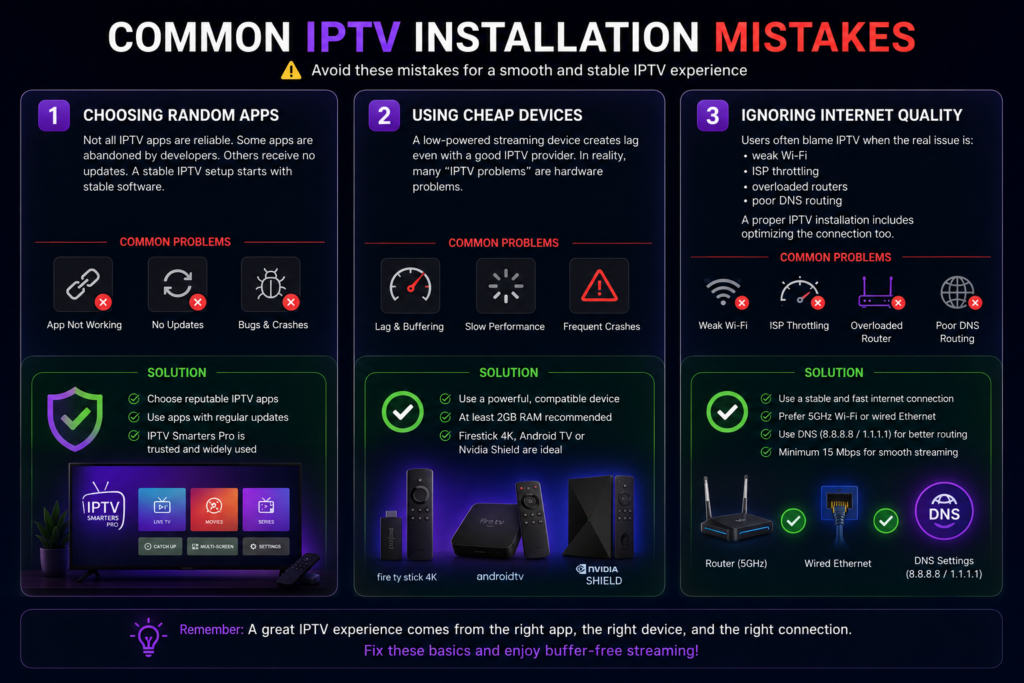
1- Choosing Random Apps
Not all IPTV apps are reliable. Some apps are abandoned by developers. Others receive no updates. A stable IPTV setup starts with stable software.
2- Using Cheap Devices
A low-powered streaming device creates lag even with a good IPTV provider. In reality, many “IPTV problems” are hardware problems. Especially with:
- old Android boxes
- low-memory Smart TVs
- outdated Firesticks
3- Ignoring Internet Quality
Users often blame IPTV when the real issue is:
- weak Wi-Fi
- ISP throttling
- overloaded routers
- poor DNS routing
A proper IPTV installation includes optimizing the connection too. If you face any setup issues, our IPTV support team can help you step by step.
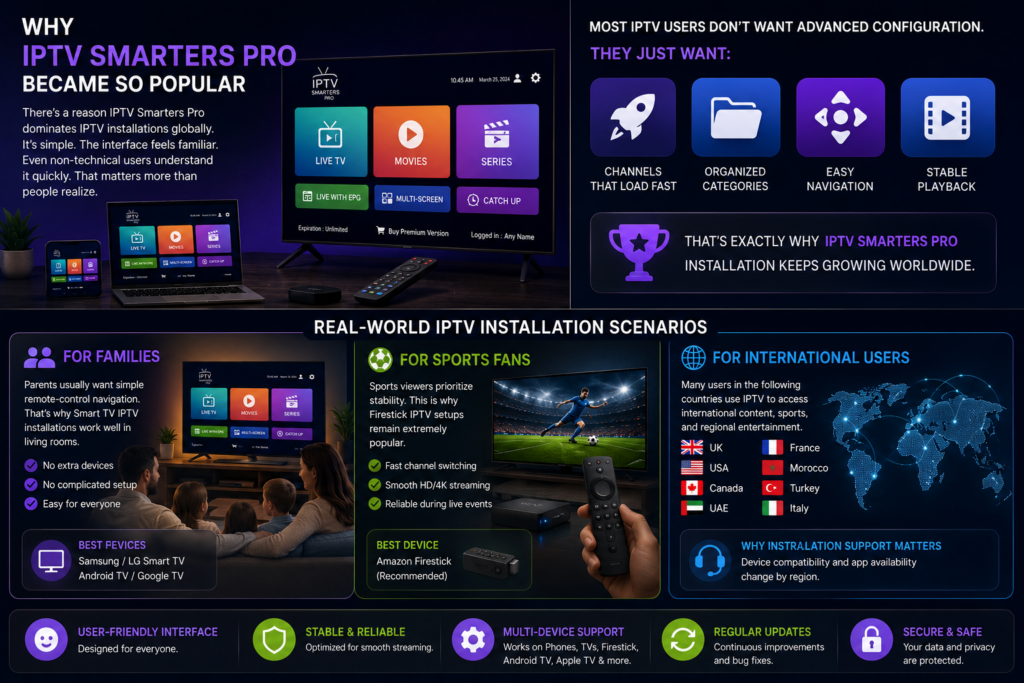
Why IPTV Smarters Pro Became So Popular
There’s a reason IPTV Smarters Pro dominates IPTV installations globally. It’s simple. The interface feels familiar. Even non-technical users understand it quickly. That matters more than people realize. Most IPTV users don’t want advanced configuration. They just want:
- channels that load fast
- organized categories
- easy navigation
- stable playback
That’s exactly why IPTV Smarters Pro installation keeps growing worldwide. For safer installation, always download the app from the official IPTV Smarters website.
Real-World IPTV Installation Scenarios
For Families
Parents usually want simple remote-control navigation. That’s why Smart TV IPTV installations work well in living rooms. No extra devices. No complicated setup.
For Sports Fans
Sports viewers prioritize stability. This is why Firestick IPTV setups remain extremely popular. Fast app switching matters during live events.
For International Users
Many users in:
- UK
- USA
- Canada
- UAE
- France
- Morocco
- Turkey
- Italy
use IPTV to access international content, sports, and regional entertainment. The device setup matters because app availability changes by region. That’s why installation support becomes important.
Why Our IPTV Installation Support Is Different
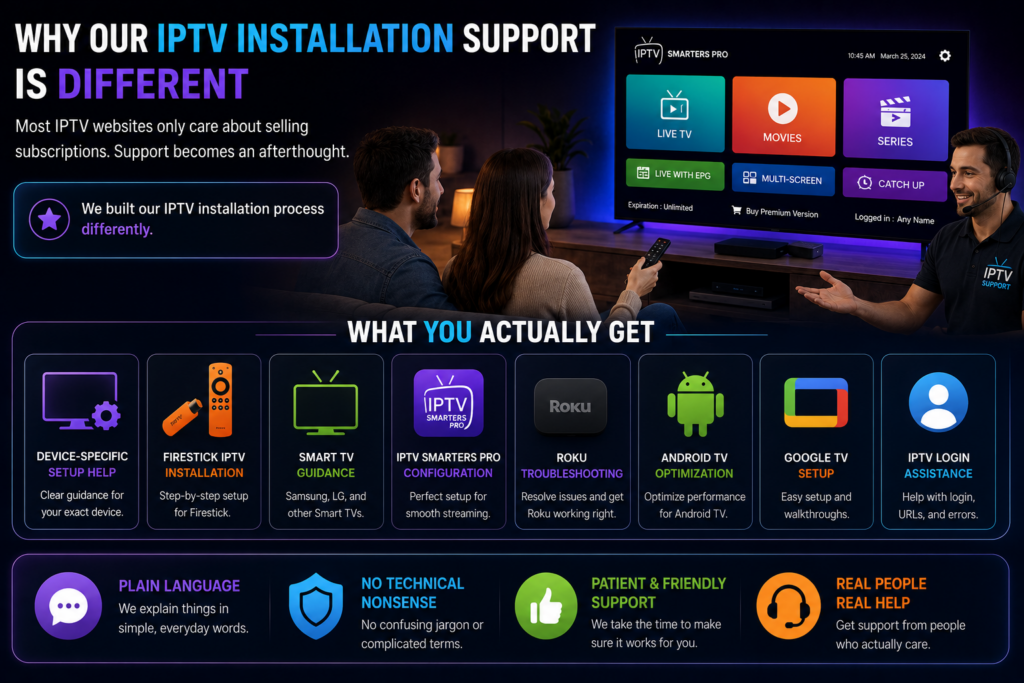
Most IPTV websites only care about selling subscriptions. Support becomes an afterthought. We built our IPTV installation process differently.
What You Actually Get
- Device-specific setup help
- Firestick IPTV installation support
- Smart TV guidance
- IPTV Smarters Pro configuration
- Roku troubleshooting assistance
- Android TV optimization
- Google TV setup walkthroughs
- IPTV login assistance
And importantly: We explain things in plain language. No technical nonsense. No confusing abbreviations.
IPTV Installation Pricing & Support
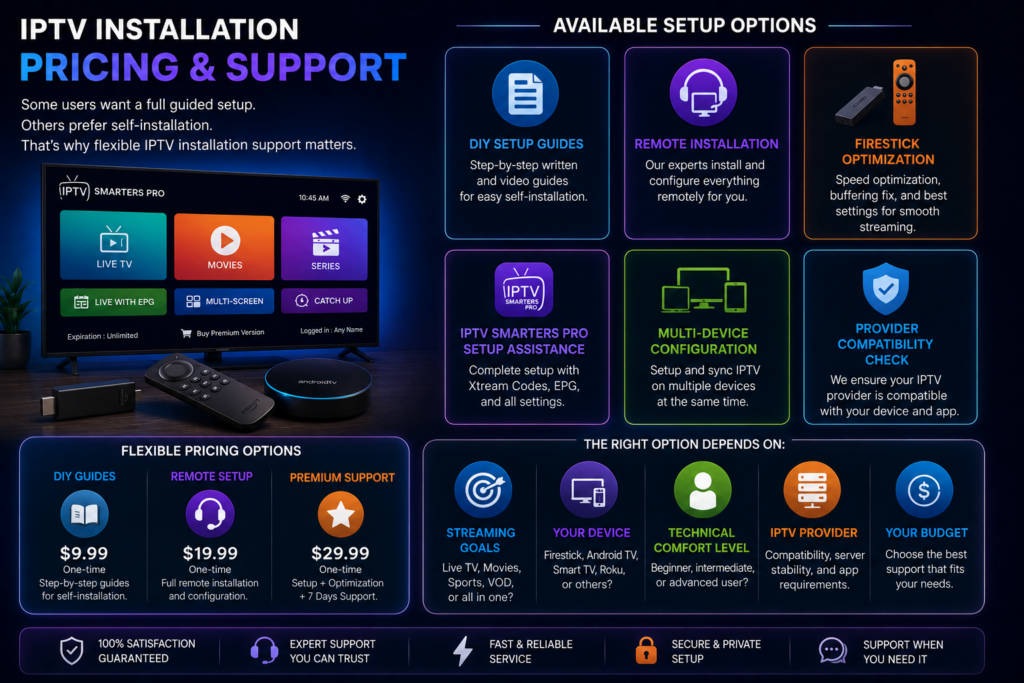
Some users want a full guided setup. Others prefer self-installation. That’s why flexible IPTV installation support matters.
Available Setup Options
- DIY setup guides
- Remote installation support
- Firestick optimization
- IPTV Smarters Pro setup assistance
- Multi-device configuration
The right option depends on:
- streaming goals
- your device
- technical comfort level
IPTV provider compatibility
The Biggest IPTV Myth — Debunked
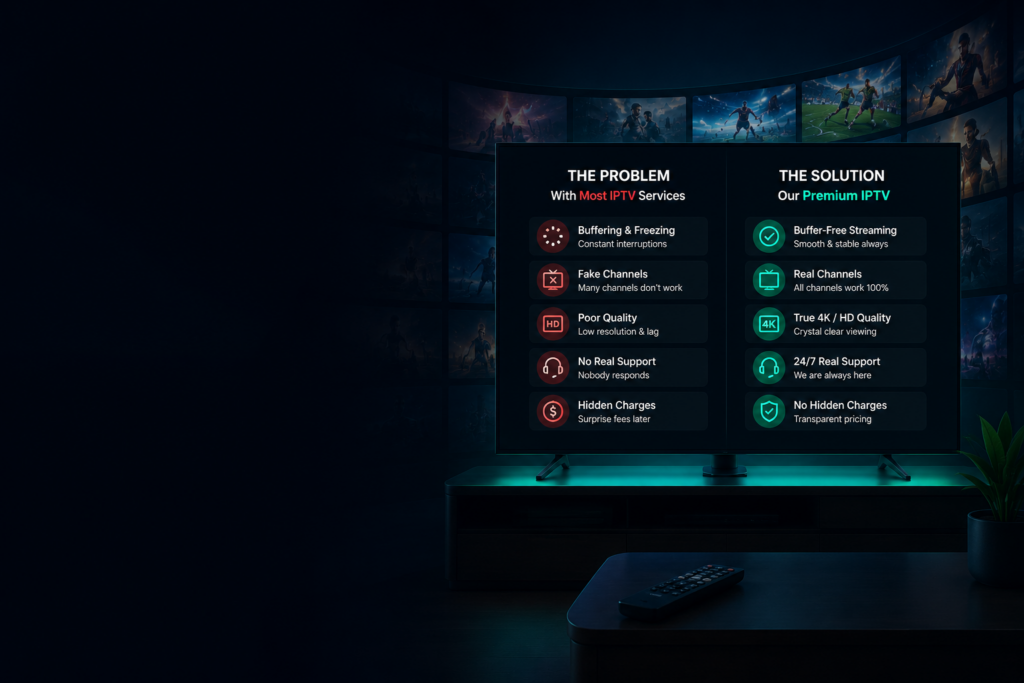
“IPTV Is Complicated” Honestly, that’s outdated thinking. Modern IPTV installation is far easier than it used to be. The real issue isn’t IPTV. It’s poor guidance.
Once users:
- choose the correct device
- install the right app
- enter proper login credentials
the entire process becomes surprisingly simple. That’s what most people discover after their first successful setup.
Ready to Install IPTV the Right Way?
You don’t need to waste hours watching outdated tutorials. You don’t need random APK files from sketchy websites. And you definitely don’t need providers who disappear after payment.
Whether you want to:
- install IPTV on Smart TV
- install IPTV Smarters Pro on Firestick
- use IPTV on Roku
- configure IPTV on Apple TV
- set up IPTV on Chromecast
- install IPTV Smarters Pro on Android TV
- install IPTV Smarters Pro on Google TV
we’ll help you get everything running properly.